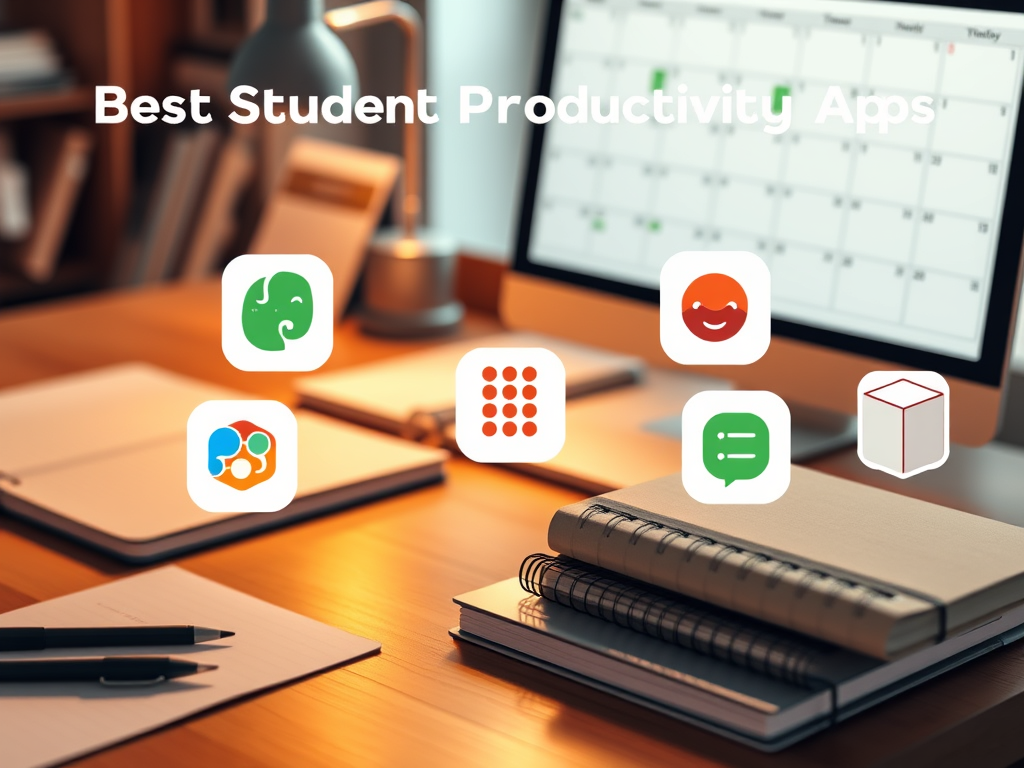
Author: Peter
Date: 1 Jan, 2023
The Importance of Productivity Apps for Students
In today’s fast-paced learning environment, students are constantly looking for ways to enhance their productivity. The integration of technology into learning has been pivotal in providing tools that help students manage their time, organize their notes, and collaborate with peers. Productivity apps play a vital role in aiding students to maximize their potential and achieve better academic results.
How Productivity Apps Can Enhance Academic Performance
Productivity apps equip students with tools to streamline their academic tasks. From organizing assignments to breaking down large projects into manageable tasks, these apps facilitate a structured approach to learning. Additionally, they help students stay focused, reducing the chances of distractions, thus improving efficiency.
Top Student Productivity Apps You Must Try
1. Evernote
Evernote is a versatile note-taking app that helps students capture and arrange their ideas seamlessly. It offers features such as:
- Advanced search capabilities
- Multi-device syncing
- Integration with other apps
Whether for jotting down lecture notes or brainstorming session ideas, Evernote makes retrieving and organizing information effortless.
2. Trello
Trello is a flexible tool perfect for managing projects and tasks, helping students stay organized and on top of their workload. With Trello, students can:
- Create boards for different subjects or projects
- Utilize lists to categorize tasks by status (e.g., To-Do, In Progress, Done)
- Collaborate with classmates on group projects
3. Todoist
Todoist is a task management app that combines efficient design with powerful features, including:
- Setting and tracking deadlines with notifications
- Prioritizing tasks with different colors and levels of importance
- Using labels and filters for efficient task organization
This app is particularly helpful for students who juggle various commitments and need to maintain a clear overview of their responsibilities.
4. Notion
Notion is an all-in-one workspace that allows students to create notes, databases, tasks, and wikis all in one place. Standout features include:
- Customizable templates for different needs
- Integration with other tools and embedding of rich media
- Collaborative editing
Its flexibility and diverse capabilities make Notion a preferred choice for students looking to integrate their academic scheduling and resource management into a single tool.
5. Microsoft OneNote
Microsoft OneNote is a digital notebook that lets students organize notes effectively. Key functionalities include:
- Text, video, and image embedding for comprehensive note-taking
- Multi-device accessibility
- Collaboration capabilities for group study and projects
OneNote’s digital format supports a varied approach to note-taking, facilitating learning that matches students’ unique styles and preferences.
Additional Student Productivity Apps to Consider
6. Forest
Forest uses a unique approach to help students reduce distractions by staying away from their phones. Here’s how it motivates productivity:
- Gamifying focus with tree planting as a visual reward system
- Encouraging short bursts of focused study periods
- Linking to a real-world tree planting initiative by investing earned credits
Forest is perfect for students who struggle with focusing on tasks due to constant smartphone interruptions.
7. Google Drive
Google Drive provides students with essential cloud storage and document collaboration tools. Benefits of using Google Drive include:
- Storing documents, photos, and files securely in the cloud
- Real-time collaboration on documents, spreadsheets, and presentations
- Integration with dozens of third-party apps for enhanced functionality
With cross-platform compatibility, Google Drive ensures students can access their materials anytime, anywhere, bolstering their study efficiency.
8. Focus@Will
Focus@Will enhances concentration with scientifically optimized music. Key features of this app are:
- Personalized music channels designed to improve attention span
- Music tracks that minimize distraction and improve focus
- Productivity tracking to measure effectiveness
This unique approach can significantly enhance the study experience for students who find themselves easily distracted by their surroundings.
Choosing the Right Apps for Your Needs
Assess Your Productivity Challenges
Before diving into these productivity tools, it’s essential for each student to understand their specific productivity challenges. Are you looking to improve organization, or do you need tools to enhance focus? Recognizing these obstacles helps in selecting the right app tailored to personal academic goals.
Balancing Between Too Many Tools and Efficiency
While many students tend to download numerous apps, it’s crucial to strike a balance and ensure that the chosen apps don’t overwhelm the planning process. Too many tools can lead to fragmentation and inefficiencies, counteracting the very purpose of using these apps.
Conclusion
Productivity apps can significantly augment students’ study routines and academic performance. With a plethora of apps available, each student can find the perfect suite to meet their individual needs, be it task management, focused studying, or collaboration. By leveraging these tools effectively, students are empowered to optimize their academic efforts, leading to improved outcomes and personal satisfaction. Choose wisely, stay committed to your goals, and see your academic potential soar.




Leave a Reply